Converting PST emails onto HTML file opens the possibility to access or manage your data on different platforms. As we know PST is bound to Outlook and converting its data into HTML file allows you to open your data in any web browser. If you are among those who are stuck and not clear about the easy and secure way to convert PST to HTML, then here is the solution. This technical guide elaborates on two workable solutions to complete the conversion process without affecting your data.
PST and CSV are both file formats with different attributes. Where PST file saves Outlook email with complete mailbox data and only access in it. On the other hand, HTML is a file format that can be opened on any browser. Thus PST to HTML conversion is the right choice.
Now, are you worried about the process of converting PST emails into HTML file? Don’t worry here is the complete guide to export emails from PST file into HTML format. Without any hassle, dive in.
How to Convert Outlook PST to HTML Manually?
Follow the steps for email conversion for free. However, this solution will convert single email from your PST file at once.
1. Launch the Outlook application on your system.
2. Open the PST email that you want to convert into HTML.
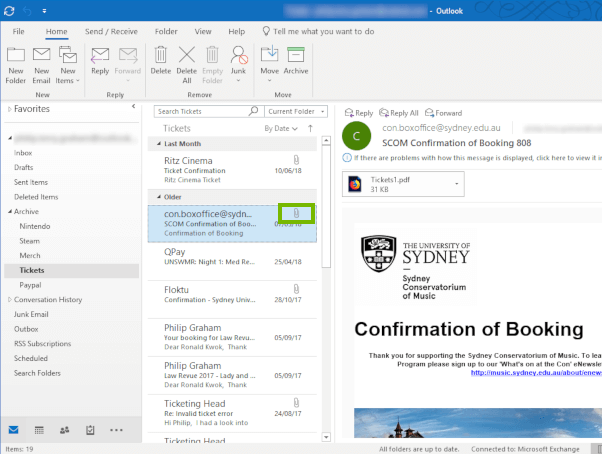
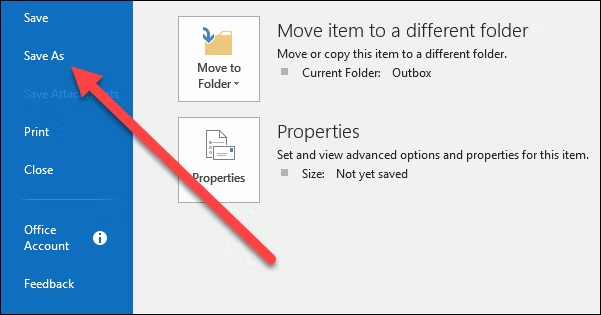
3. Click on File >> Save As.
4. Browse the target location and Choose HTML from the Save as type option.
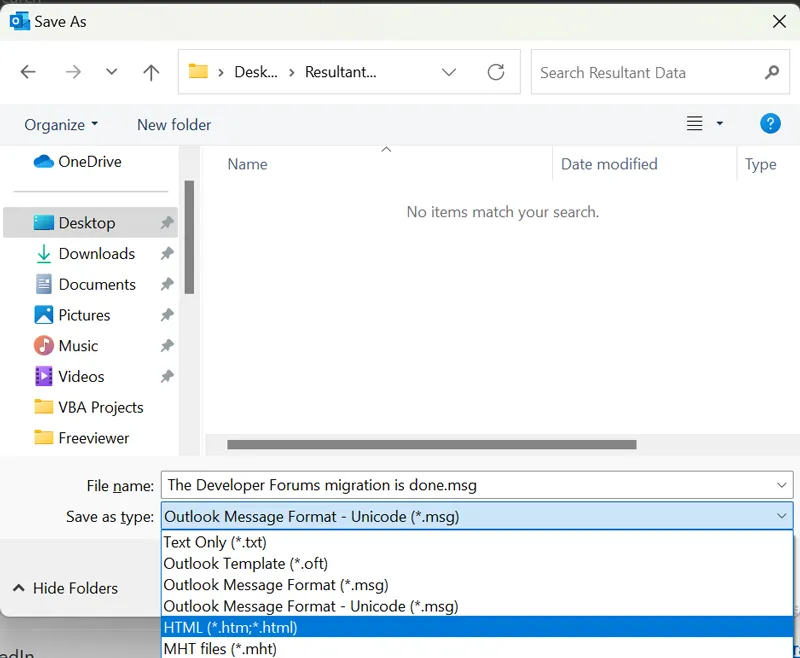
5. Click on Save button.
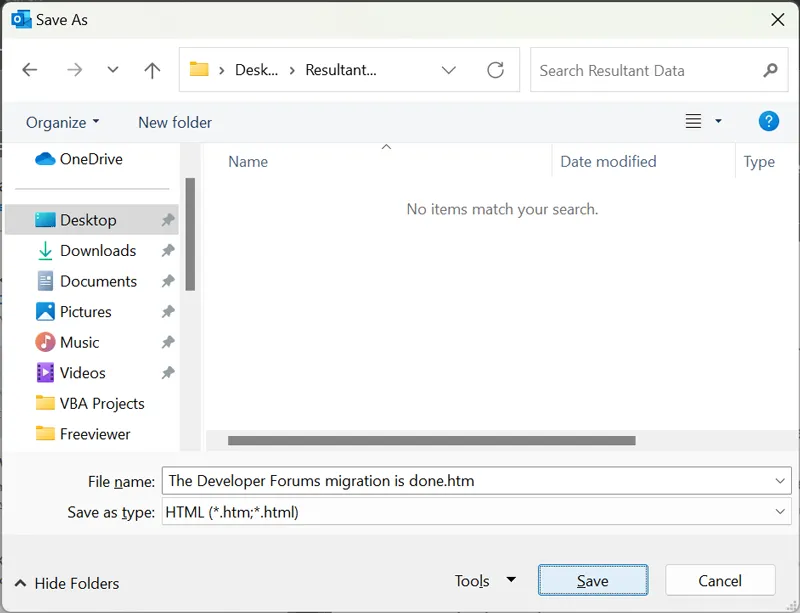
Done! That’s how you can manually save PST email as HTML file. Follow the same steps for all the emails you want to convert.
How to Export PST Emails to HTML in Bulk?
To export PST emails to HTML in bulk, try out Xtraxtor software on your Windows. The software will effortlessly convert all folders from your PST file without affecting its hierarchy and structure. Moreover, if your PTS file contains a large amount of data, then this tool completes the conversion without affecting data integrity.
To analyse its working, the software offers its demo version. Click the link below to download it.

Steps to Convert PST to HTML File –
Step 1. Run PST to HTML Converter on your system.
Step 2. Navigate to Open >>Email Data Files >> Outlook PST Files >> Choose Files or Folder.
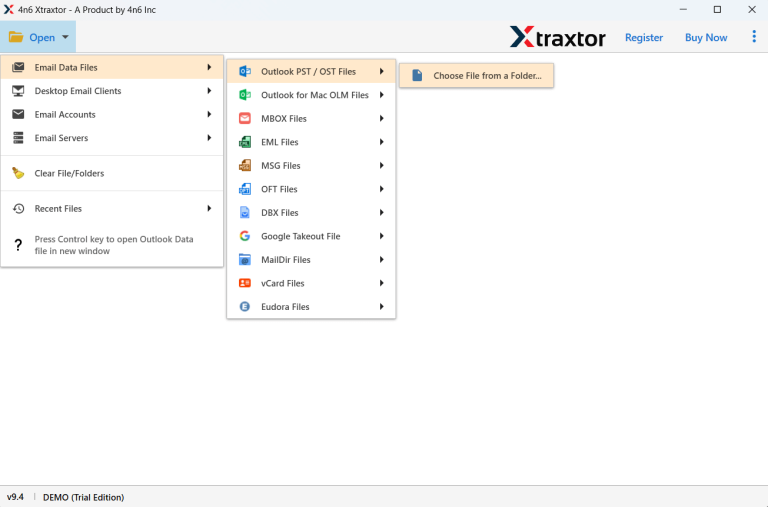
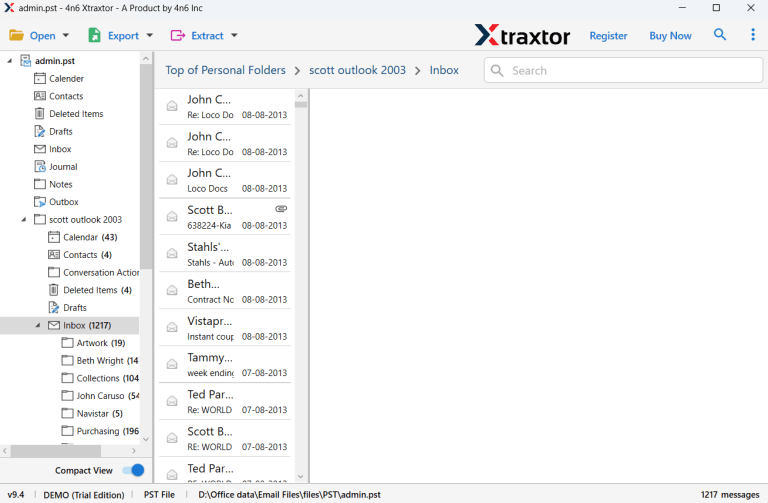
Step 3. Here, you can view PST emails before converting them.
Step 4. Click on Export and choose HTML.
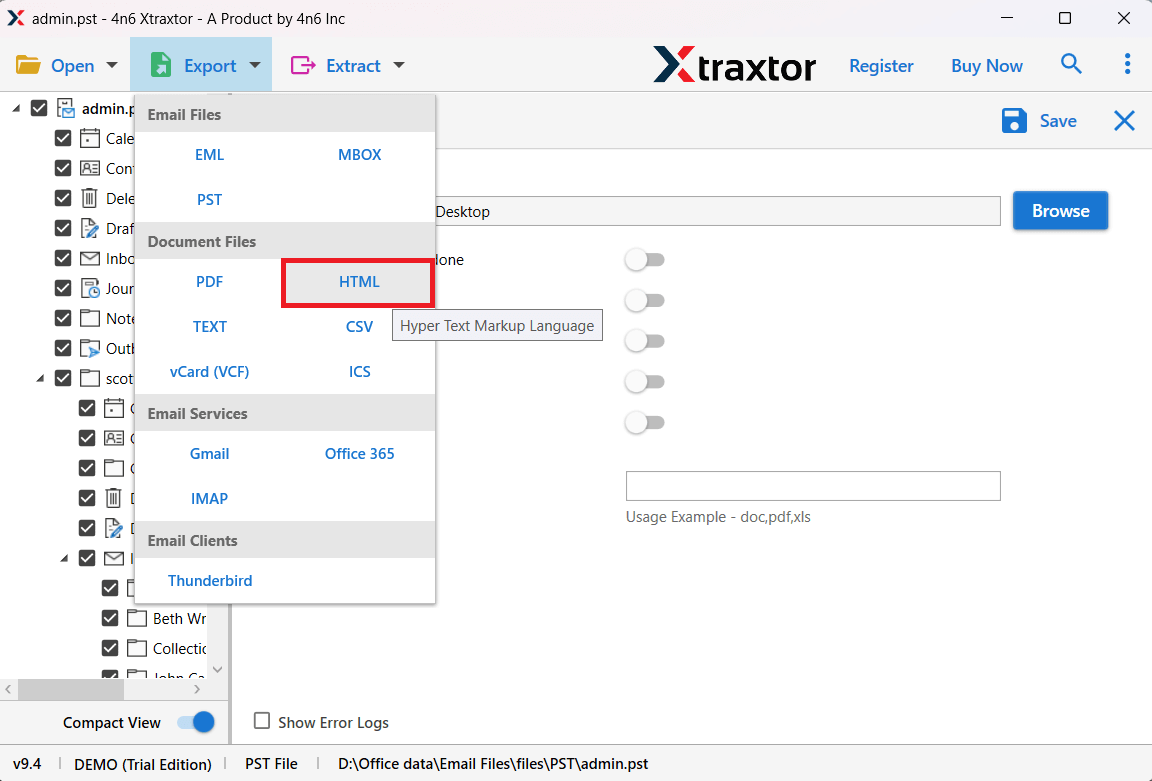
Step 5. Select the mailbox folders you want to convert.
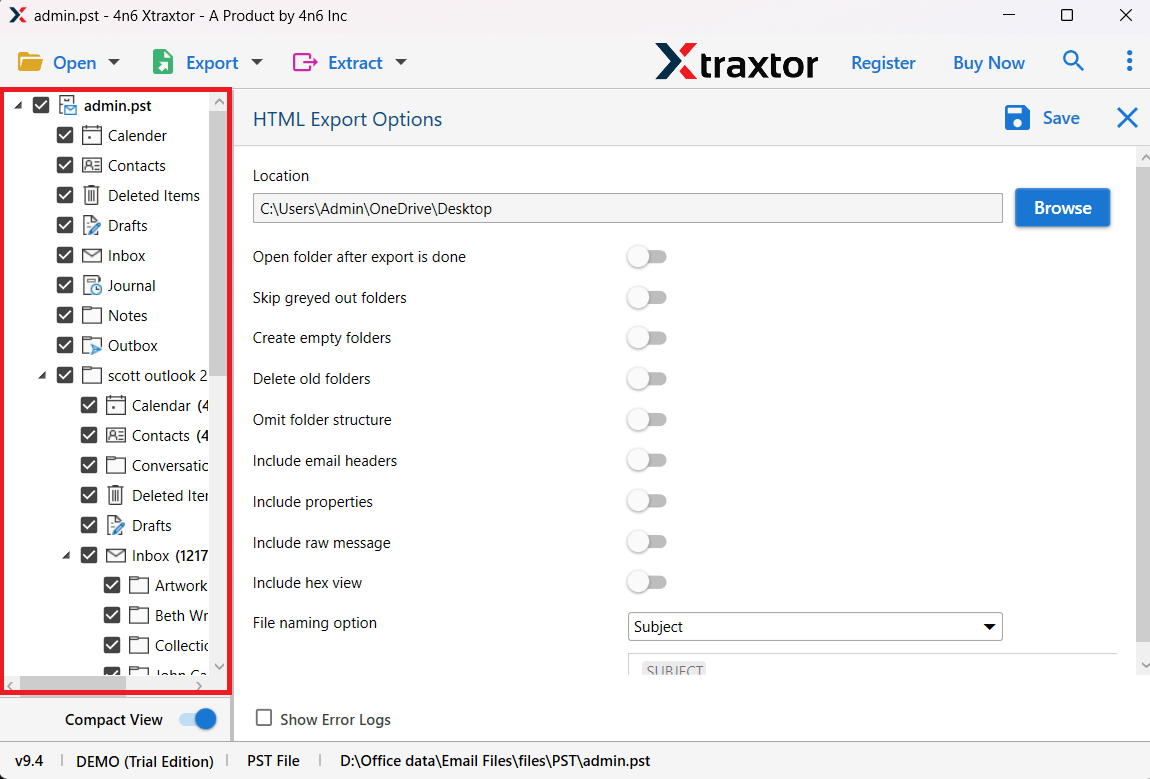
Step 6. Browse the target location and click on the Save button.
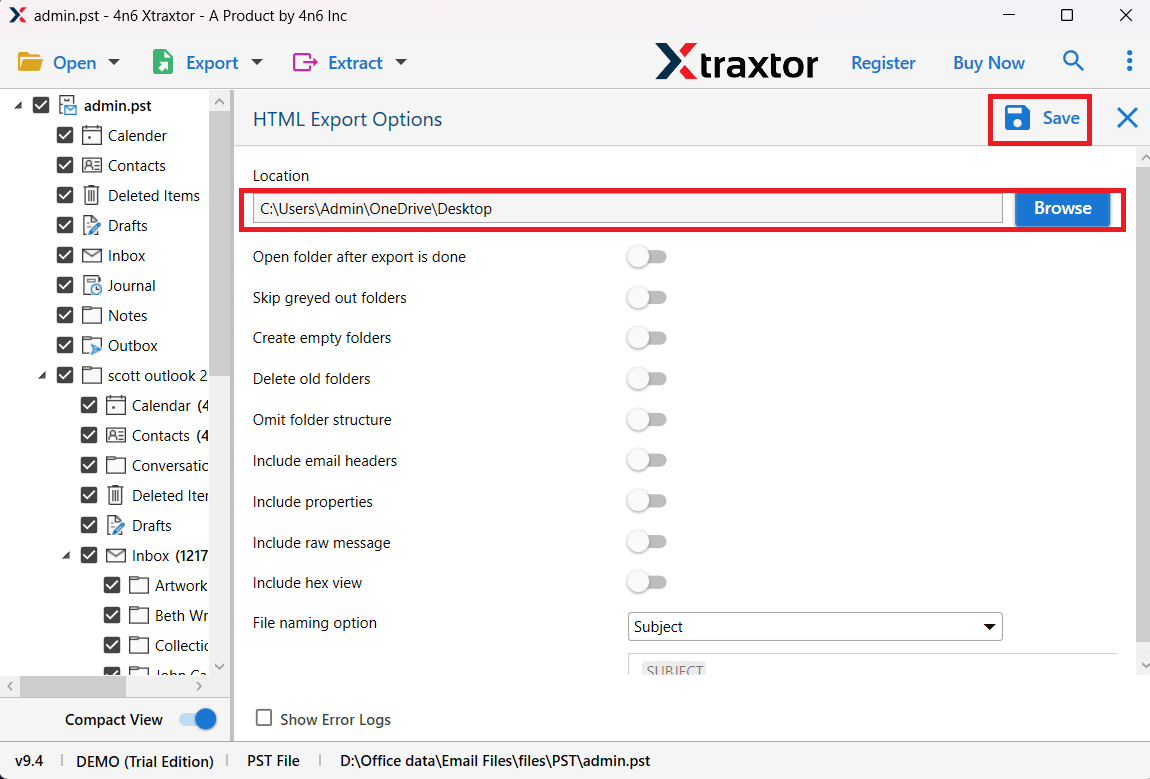
The software will start converting PST emails into HTML format. Once the process is complete, you will get a notification message with a complete log report.
Why Choose PST to HTML Converter?
The software has dozens of benefits that help you to easily complete the conversion process. Some of them are given below-
- Convert Corrupted PST File: The tool is efficient enough to convert damaged or corrupted PST file into HTML format. It will first repair the PST file and convert its emails into HTML files without any data loss.
- Preservation of Data: While converting your PST file into HTML format, the tool maintains the email folder and sub-folder hierarchy and structure. The formatting or inline images or hyperlinks will be intact after the conversion.
- Wide Range of Saving Options: Using this converting tool you can convert PST emails into different file formats as well. It allows you to export PST to MBOX, EML, PDF and many others.
- Advanced Search Options: With this software, you can search the emails from any particular sender, date, time, cc, bcc, has attachments, etc. Then you export only those data and avoid unwanted conversion.
- Simple User Interface: This PST to HTML Converter is designed for both beginners and experienced users. The simple steps allow the user to convert their data without any further assistance.
- Windows Supportive: This tool is designed for Windows users. It can run on Windows 11, 10, 7, Vista and all other older versions.
Final Words
Converting PST emails to HTML is a straightforward process when you know about the right approach. Here in this post, we describe two solutions from PST to HTML conversion. Follow the given steps and export your data without any hassle. Whether you choose the manual approach or use the PST to HTML Converter tool. Manage your email data easily and enjoy the convenience of using the HTML format.