How to Transfer Emails from Gmail to IMAP Server?

A few days ago, one of our users was struggling to transfer emails from Gmail to IMAP server. The process was not easy for them because Gmail uses its own environment, and directly transferring emails to another IMAP account can be confusing.
They shared their concern like this:
“I want to transfer my Gmail emails to IMAP account. Tried some manual methods, but they are either slow or do not migrate all emails properly. I have important data and want a complete and safe solution.”
Like many others, they searched online but couldn’t find a proper and reliable solution. Then, they explored forum discussions and found that many users were facing similar issues:
How to migrate Gmail to IMAP server directly?
Is there a way to transfer Gmail emails with attachments?
How to move bulk Gmail data to IMAP without losing data?
If you are also facing the same issue, then this blog will guide you with the best solution.
As there is no manual solution available that can let you move emails from Gmail to IMAP account without any issues. Plus, we have explored multiple methods available online, but none of them provides 100% right process to complete this task easily.
How to Migrate Gmail to IMAP Email Account Directly?
After exploring multiple solutions, we found that the best and easiest way to transfer complete emails from Gmail to IMAP is by using the Xtraxtor software. This tool is specially designed to transfer Gmail emails directly to IMAP accounts without any hassle. The software supports all Windows versions and allows users to securely move Gmail emails with attachments, metadata, and folder structure.
It also provides a demo version so users can test its features before purchasing.

Steps to Transfer Emails from Gmail to IMAP Server
Follow these simple steps to migrate Gmail to IMAP server;
Step 1. Download and install the software on your system.
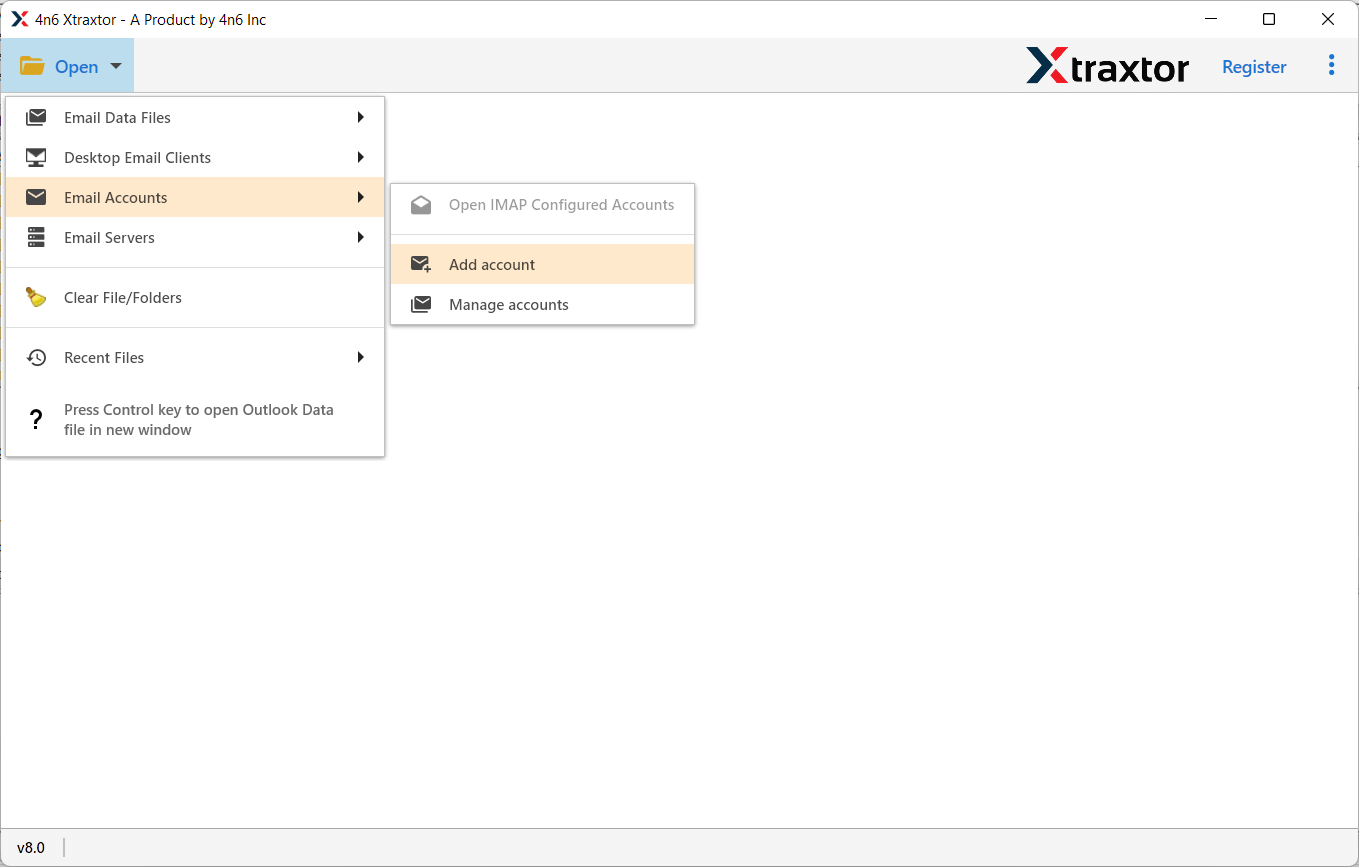
Step 2. Launch the software and click on Open >> Email Accounts >> Add Account.
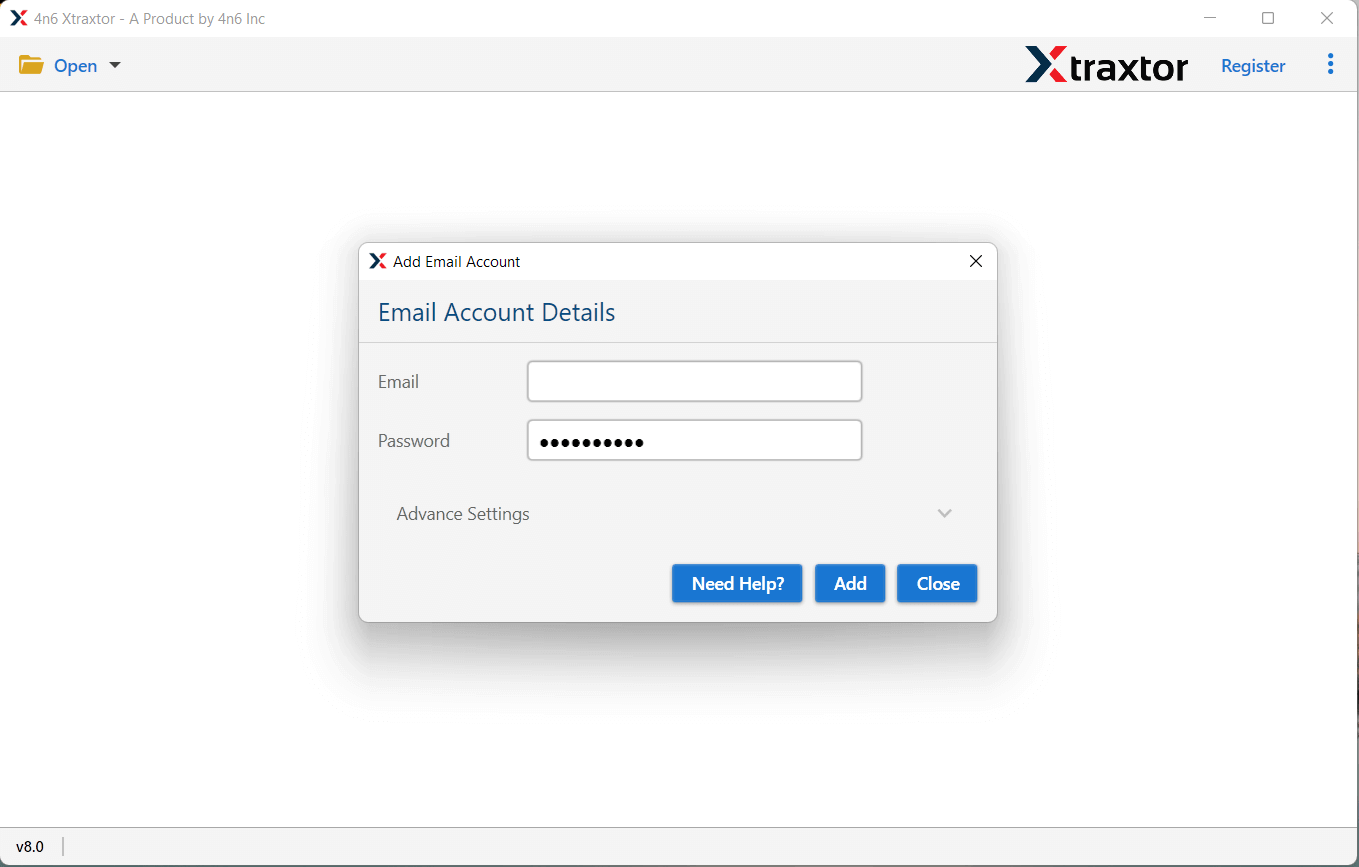
Step 3. Enter your Gmail login credentials and sign in securely.
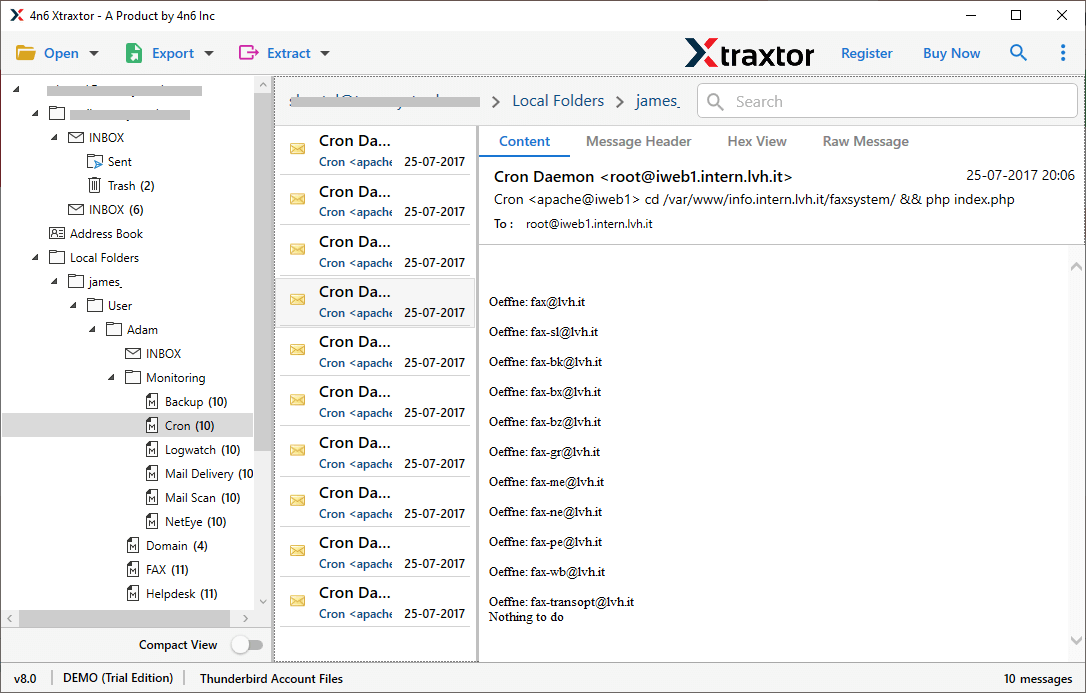
Step 4. The tool will automatically load all your Gmail folders on the screen and preview them.
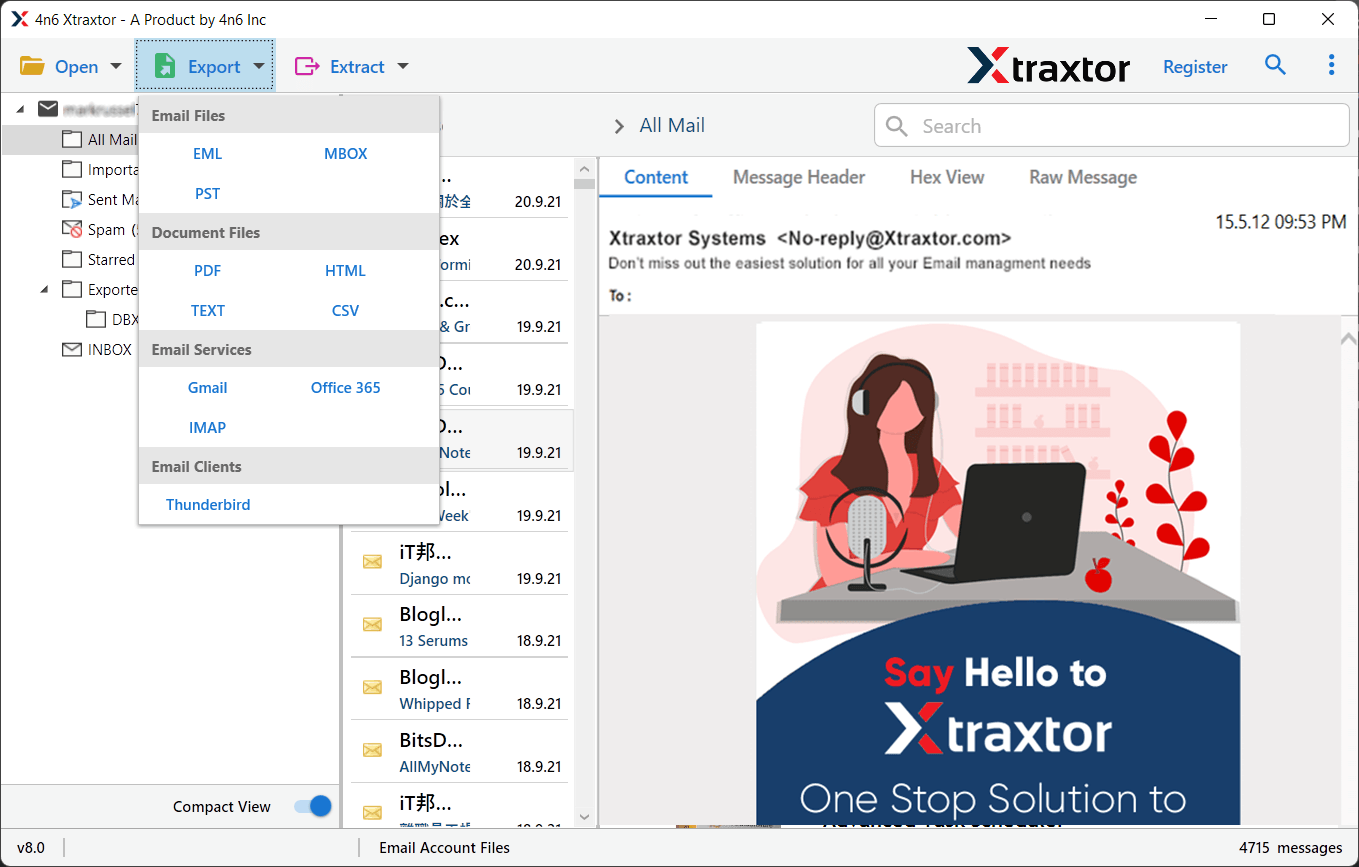
Step 5. Click on Export and choose IMAP as the saving option.
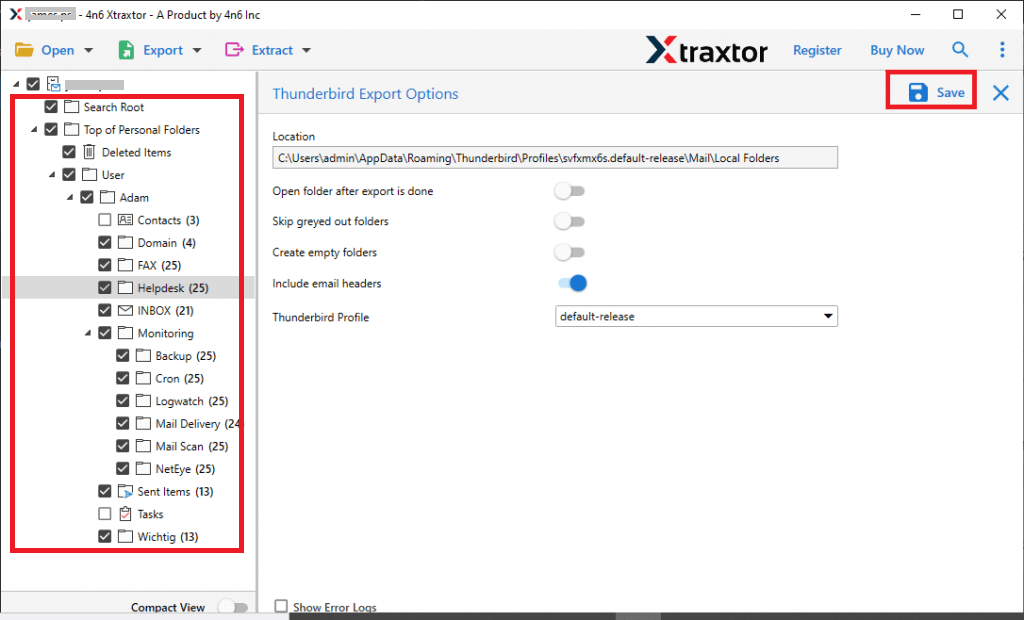
Step 6. Select the required email folders that you want to migrate.
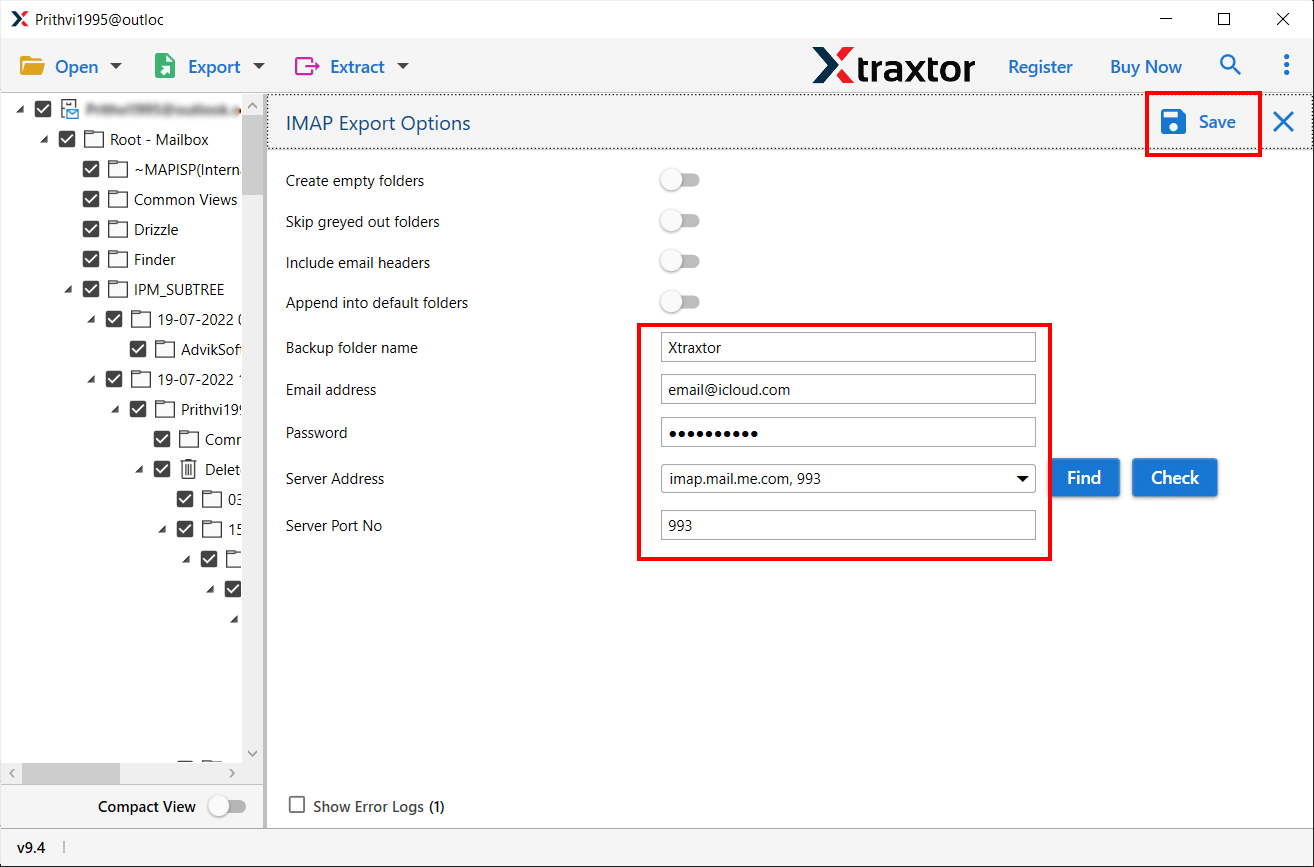
Step 7. Enter your IMAP account credentials & click on the Save button to start.
Once completed, log in to your IMAP account and verify all migrated Gmail emails.
Advanced Features of the Tool
- Complete Gmail to IMAP Migration: The software allows users to migrate Gmail to IMAP, including all emails, attachments, and folders without missing any data.
- Maintain Data Integrity: All email properties, such as To, Cc, Bcc, Subject, Date, and attachments, are preserved during the migration process.
- Advanced Filter Options: Users can migrate selective emails using filters like date range, subject, sender, or exclude folders.
- Bulk Email Transfer: Easily transfer multiple Gmail emails to IMAP in one go without any file size limitation.
- Preserve Folder Hierarchy: The tool maintains the original folder structure, making it easy to access emails after migration.
- Easy to Use Interface: Simple and user-friendly interface suitable for beginners and professionals.
- Detailed Log Report: Generates a report after migration with complete details of the process.
- Multiple Account Support: Migrate emails from multiple Gmail accounts to IMAP efficiently.
- Compatibility with All IMAP Servers: Works with any IMAP-supported email service.
- Retains Email Formatting: Keeps original email layout, inline images, and hyperlinks intact.
- No Technical Skills Required: Designed for both technical and non-technical users.
- Regular Updates & Support: Comes with updates and technical support for smooth performance.
Final Words
To sum up, if you want to transfer emails from Gmail to IMAP, using a professional tool is the best option. Manual methods are time-consuming and may not give accurate results. On the other hand, an automated solution makes the process quick, safe, and reliable. It is ideal for individuals, professionals, and businesses who want a hassle-free email migration experience.
