
Looking for a Solution to Open OFT File without Outlook?
With the rapid growth of email communication, many users create email templates to save time. One such format is the OFT file. OFT (Outlook File Template) is mainly used by Microsoft Outlook to store pre-designed email messages with subject, body, formatting, and attachments.
However, the problem arises when users try to access their OFT files without Outlook. Since this format is only supported by Outlook, it cannot be opened directly on systems where Outlook is not installed.
To solve this problem, in this blog, we will explain the best and easiest way to open OFT files without Outlook. We will also discuss user queries, manual limitations, and a reliable automated solution.
Why Users Need to Open OFT File Without Outlook?
There are several situations where users want to open OFT files without Outlook:
- You don’t have Outlook installed on your system
- You received an OFT file from another user
- You only want to view the content without editing
- You use other email platforms like Gmail
- You want to convert OFT into a different format
- For analysis or investigation of email templates
In such cases, using an automated solution becomes necessary.
Can I Access OFT File Without Outlook?
There is no reliable manual method available to properly open OFT file without Outlook. Basic tricks like renaming the file or opening it in Notepad may show incomplete or unreadable data.
OFT files are structured in a way that only Outlook can fully understand them. That’s why manual methods often fail to display proper formatting, attachments, or metadata.
So, the best and most reliable solution is to use a professional automated tool.
How to Read OFT File Without Outlook?
If you are looking for a simple and reliable way to open OFT file without installing Outlook, Xtraxtor Software is a smart solution. This tool is specially designed to open, view, and convert OFT files without needing Microsoft Outlook on your system. It allows users to access OFT files easily and read complete email template details without any technical knowledge.
The software maintains the original structure of the OFT file and allows users to preview emails in multiple modes. It also supports converting OFT files into various formats like PDF, EML, HTML, and other compatible file types. This software makes it easy for beginners as well as professionals to access and manage OFT files securely on all Windows versions.
Click on the free download button and check its complete working process;

Steps to Open OFT File Without Outlook
Step 1. Download and install the Software on your Windows PC.
Step 2. Launch the software and click on Open >> OFT Files >> Choose folders.
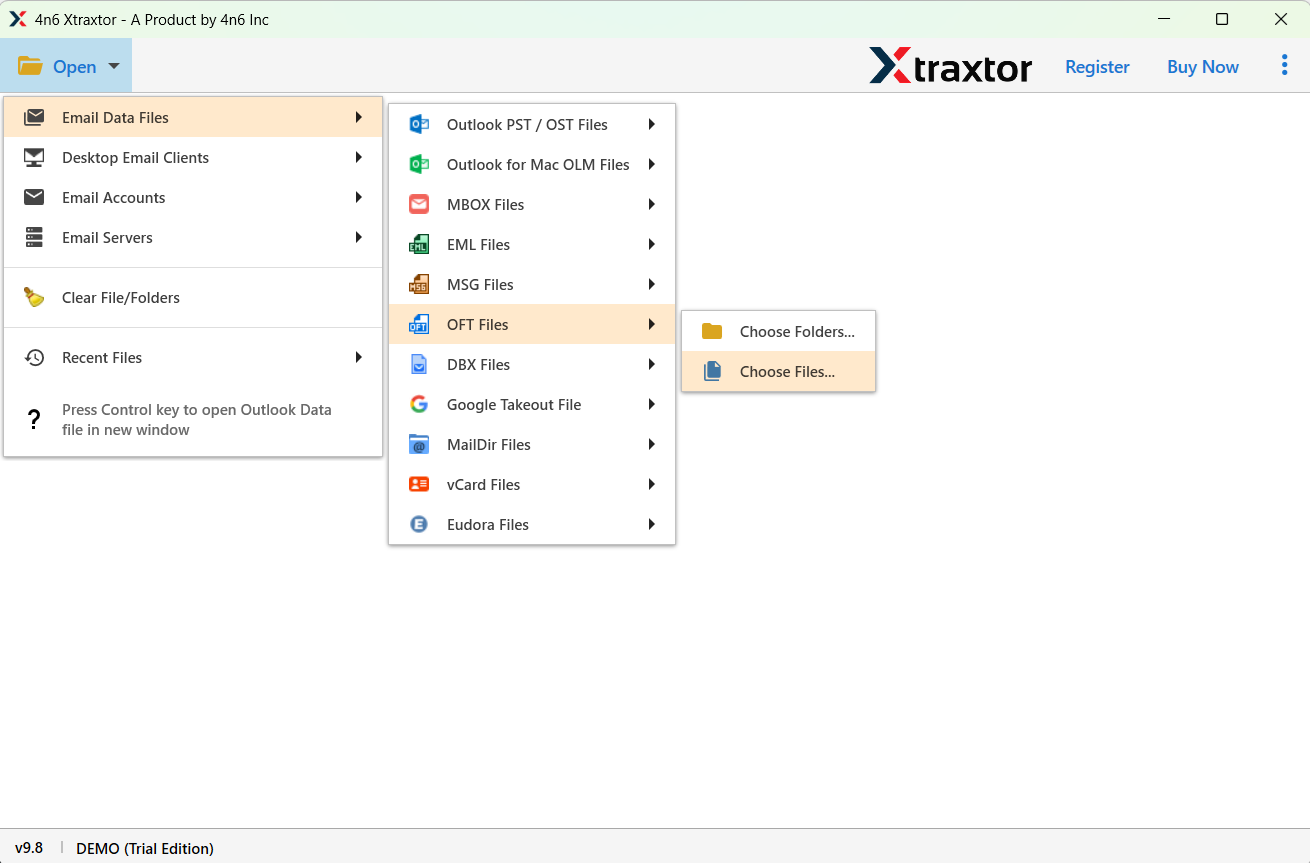
Step 3. Choose the OFT file option and browse your OFT file from your system.
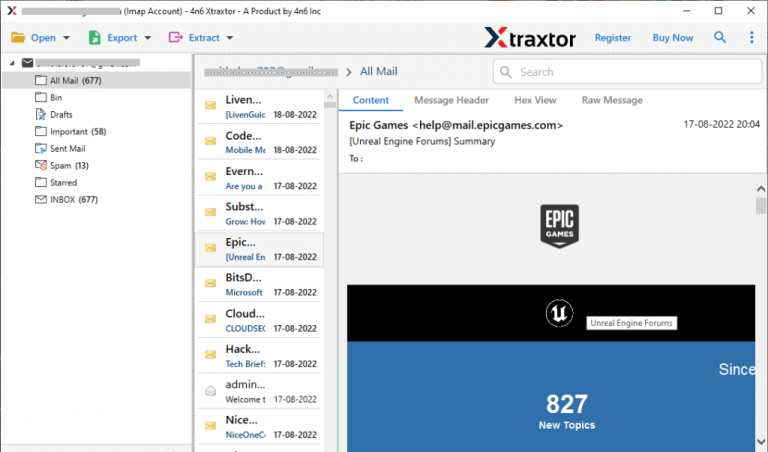
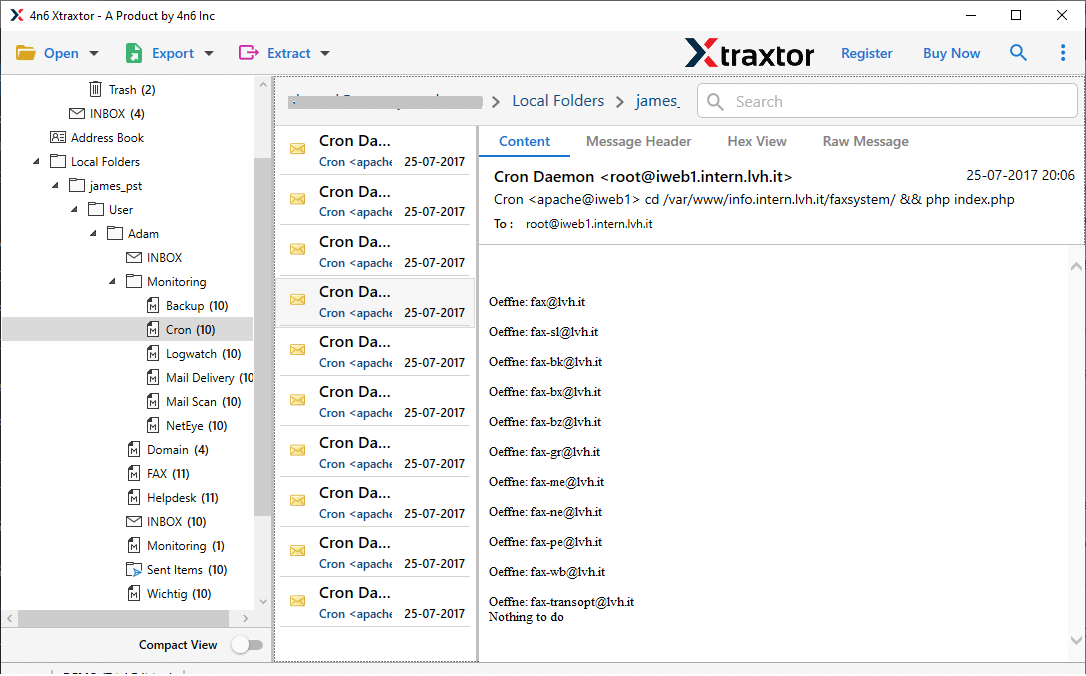
Step 4. The software will instantly load and preview the complete OFT file with all details.
Step 5. If required, click on Export to convert the OFT file into your desired format.
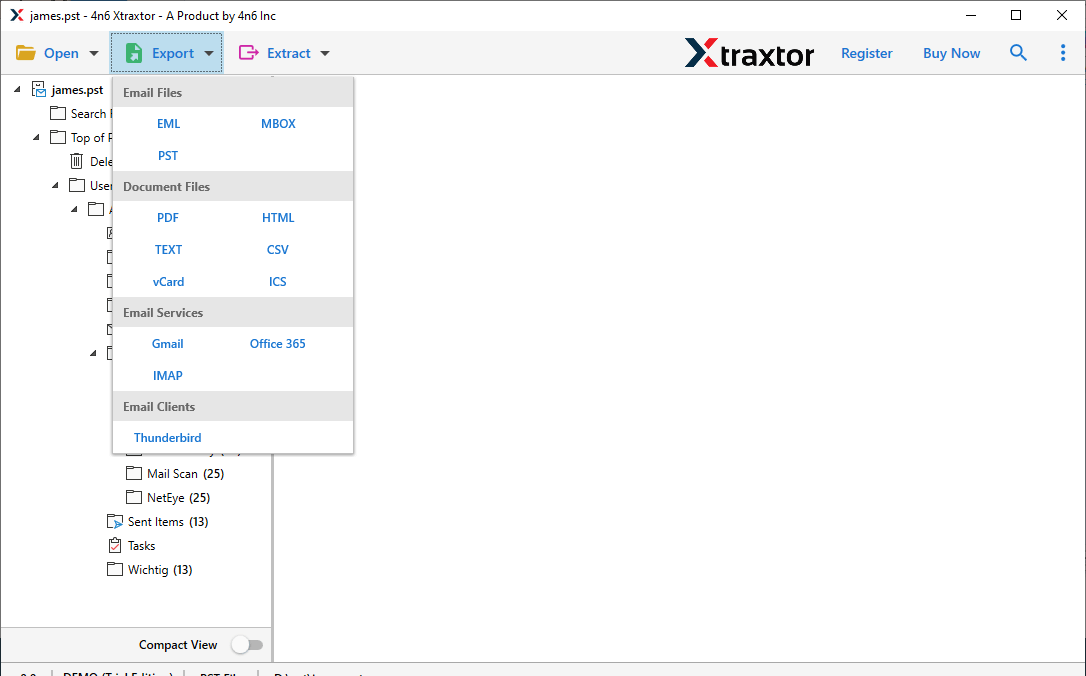
Step 6. Now, select the required email folders that you want to convert.
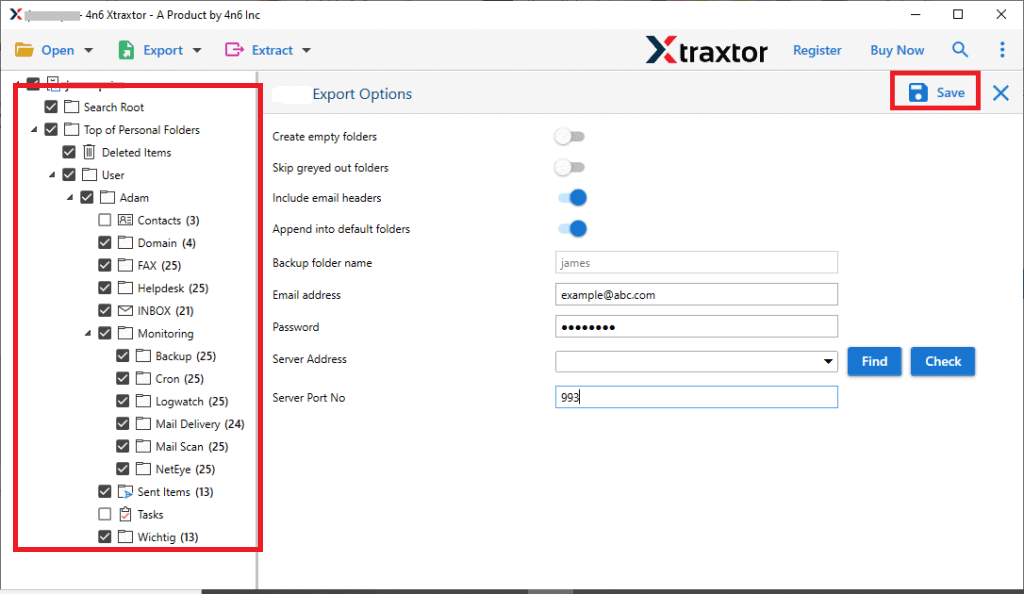
Step 7. Lastly, browse the destination path and click on the save button to start the process.
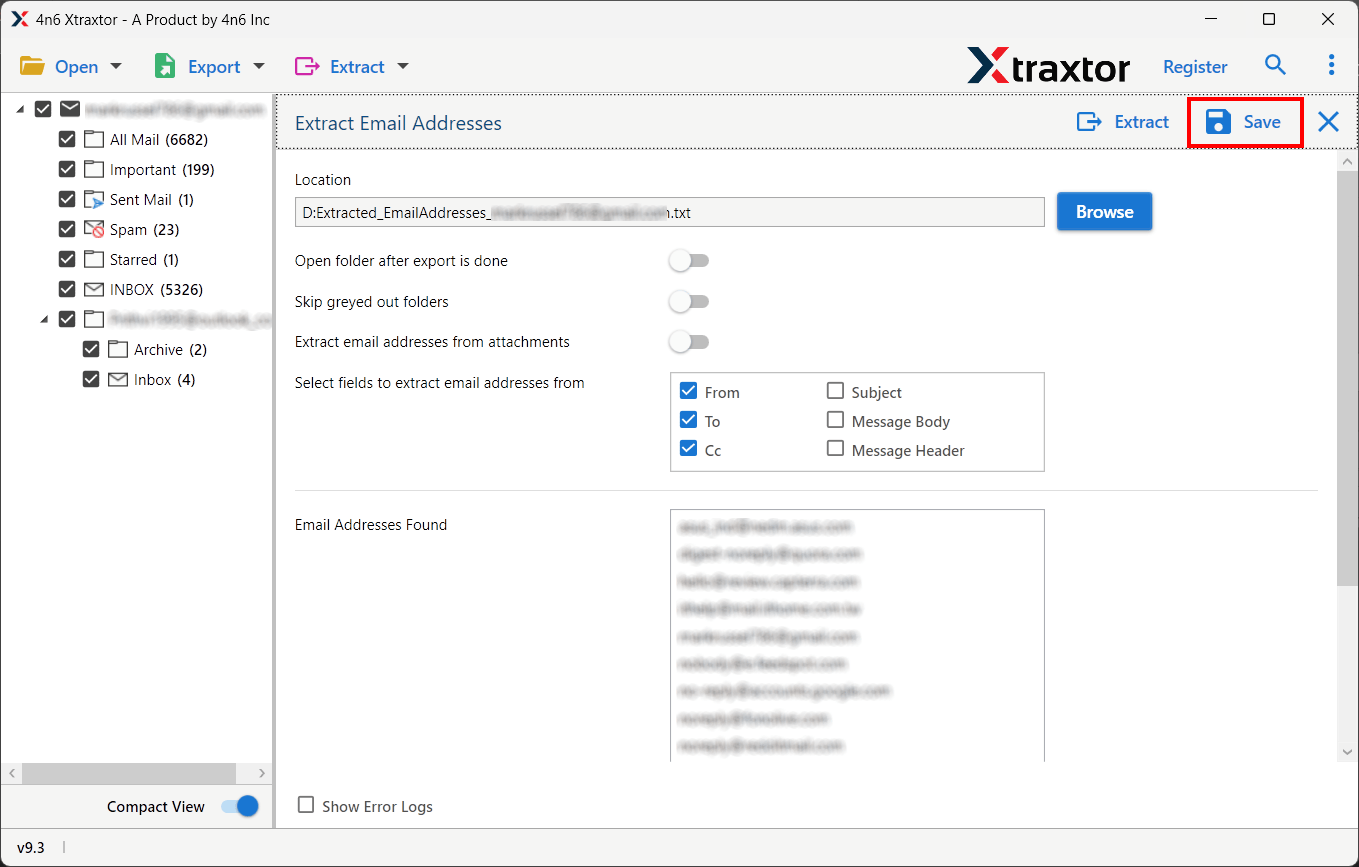
Once the process is completed, navigate to the selected location and access your converted file easily without needing Outlook.
Some Highlighted Features of the Software
- Open OFT files without Outlook installation
- View complete email content with attachments
- No file size limitation
- Maintain original formatting and structure
- Support bulk OFT file viewing
- Convert OFT to PDF, EML, HTML, and other formats
- Advanced search options for quick access
- Easy-to-use interface for beginners
- Compatible with all Windows versions
Which Method to Use? Final Thoughts
To sum up, you can open OFT file without Outlook using two main methods. The manual way is limited and not reliable, as it may not show complete or accurate data. On the other hand, using a professional tool is a safer and easier option. This automated method gives you a proper view of your emails, keeps your data safe, and saves time. It is a good choice for professionals, IT users, and even beginners who want a simple and secure solution.
