How to Backup Roadrunner Emails to PC?

Are you looking for a reliable way to backup Roadrunner emails to PC? If yes, then this article will guide you step by step to save Roadrunner emails on your local computer. In this blog, we explain an easy and trusted solution to download Roadrunner emails safely.
To know complete details, continue reading.
Roadrunner Email (now associated with Spectrum services) is a popular webmail service used by many users for personal and business communication. It allows users to send and receive emails just like any other web-based email service.
Many users frequently change their internet service providers. Because of this, they look for a solution to download and secure their important emails locally. Roadrunner users also face the same situation. That’s why many users want to know how to backup Roadrunner emails to PC.
Let’s discuss the most suitable way to export all emails from your Roadrunner to computer.
Why Do Users Need to Backup Roadrunner Emails to PC?
There are many possible reasons why users prefer to download Roadrunner emails on computer.
- Risk of email loss due to account deactivation or service changes
- Limited storage space in Roadrunner webmail
- Need for offline access to important emails
- Protection against accidental deletion or hacking
- Requirement to keep email records for legal or business use
- Easy access to emails without an internet connection
Because of these reasons, using a professional solution becomes the topmost choice.
How to Download Emails from Roadrunner to Computer Automatically?
To safely backup Roadrunner emails to PC, we recommend using Xtraxtor Email Backup Wizard. This software is specially designed to download Roadrunner emails directly to your local computer without any data loss. The tool offers advanced options such as selective email backup, folder-wise export, batch account backup, and a complete preview of your emails before selection.
Download From Here:

Note: A free trial version is available. You can backup 10 emails from each Roadrunner for testing. To backup the complete Roadrunner mailbox, you need to purchase the full version.
Steps to Backup Roadrunner Emails to PC
Step 1. Launch the Xtraxtor software on your system.
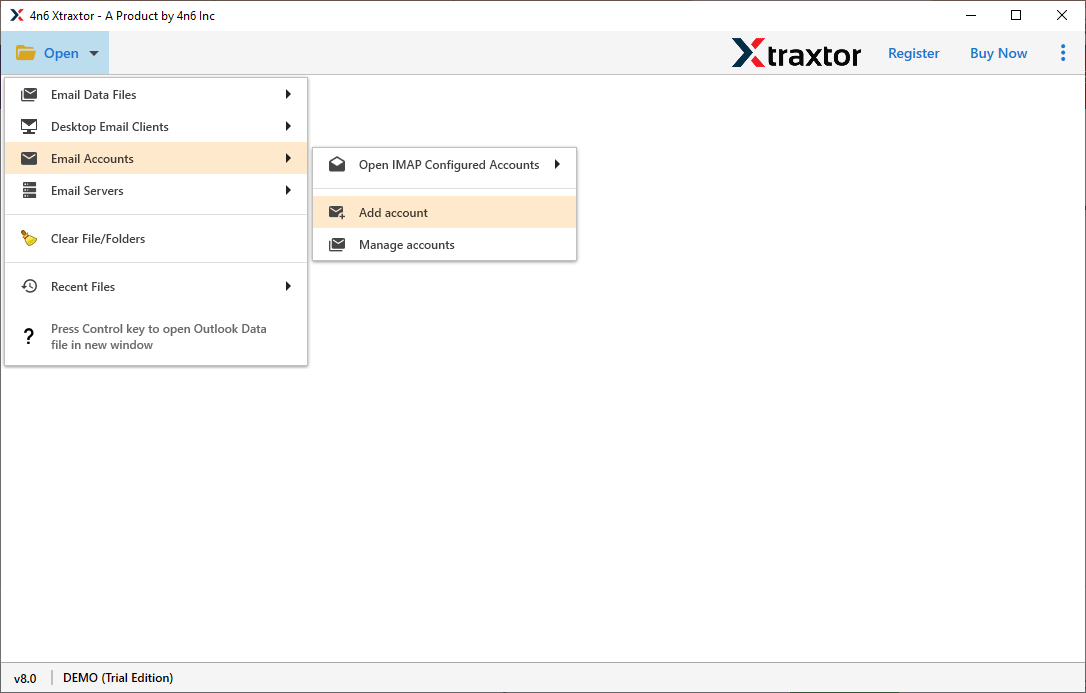
Step 2. Now, click on Open >> Email Accounts >> Add Account.
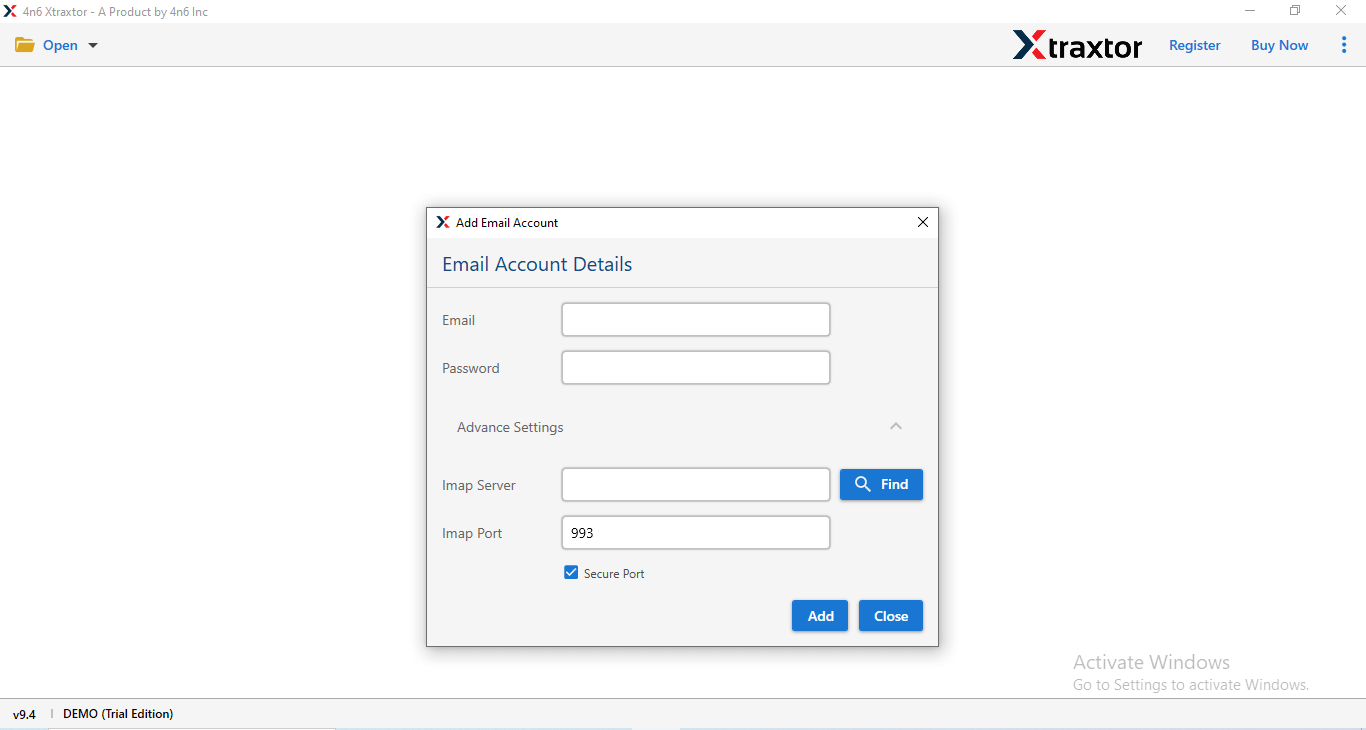
Step 3. Enter the Roadrunner email account credentials and click on the Add button.
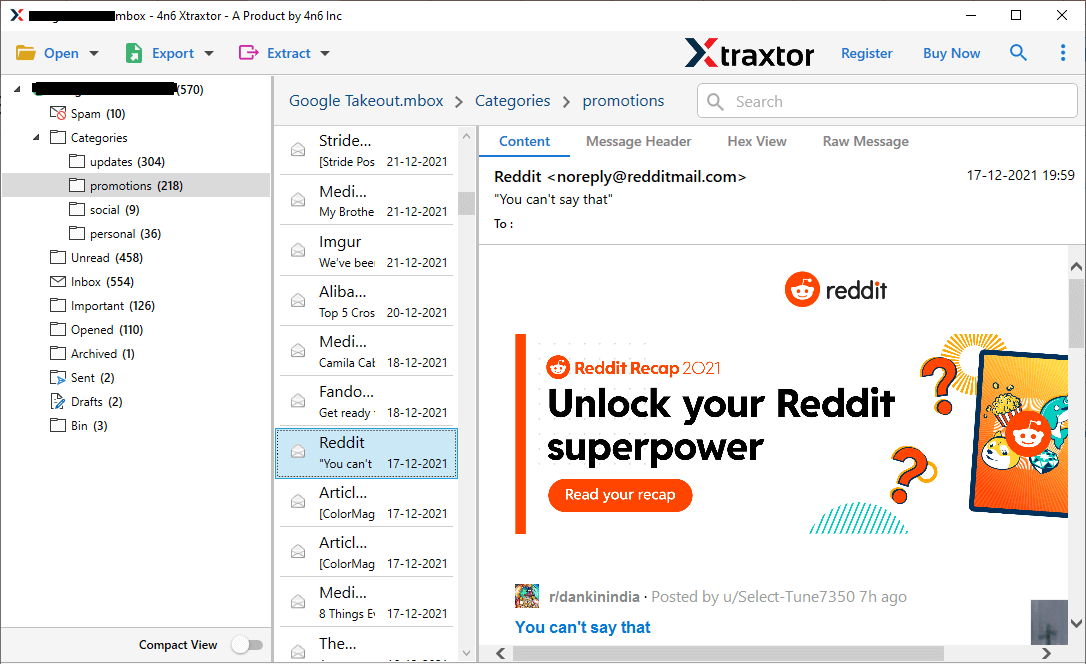
Step 4. Here, you can preview Roadrunner emails before starting the backup process.
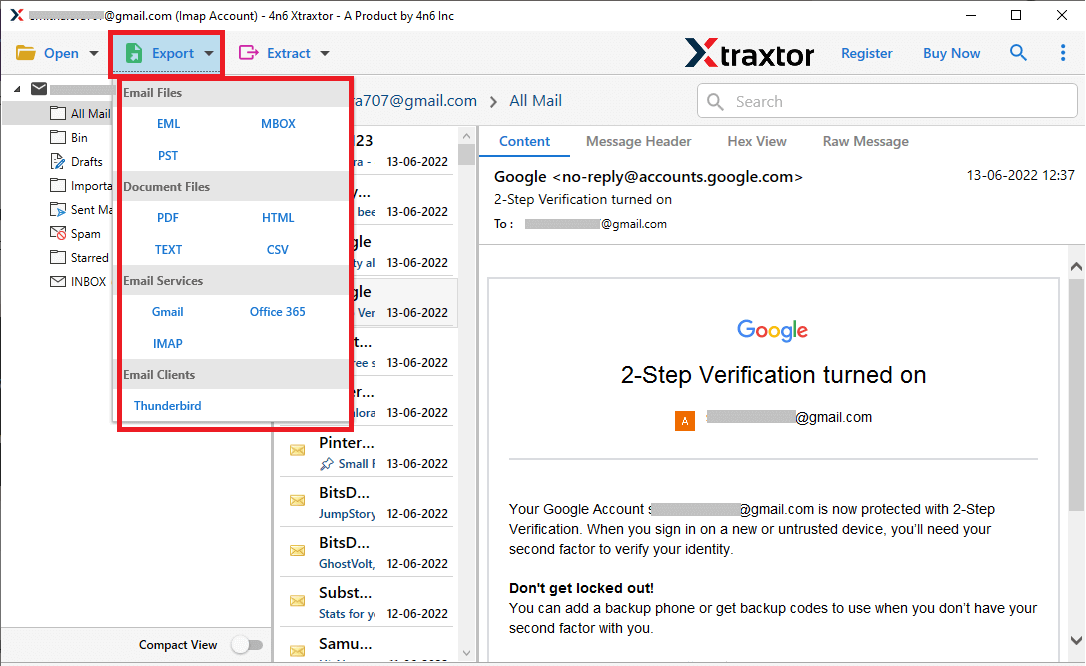
Step 5. After that, click on Export and select the required file format from the given options.
Step 6. Choose the email folders from the Roadrunner mailbox that you want to save locally.
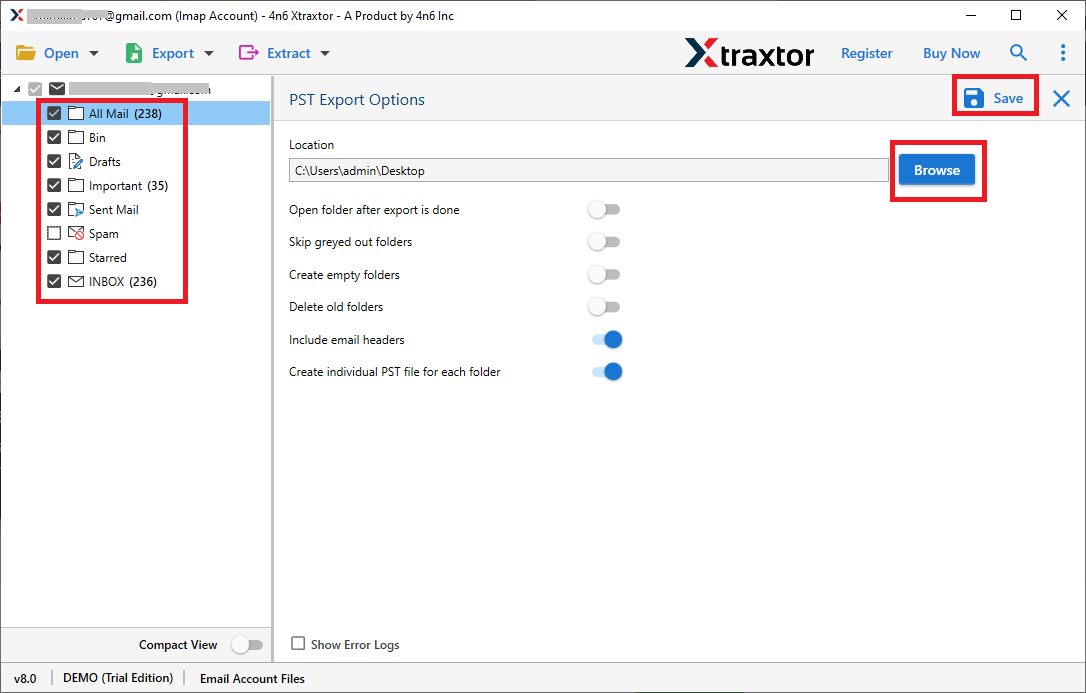
Step 7. Browse the destination location and then click on the Save button.
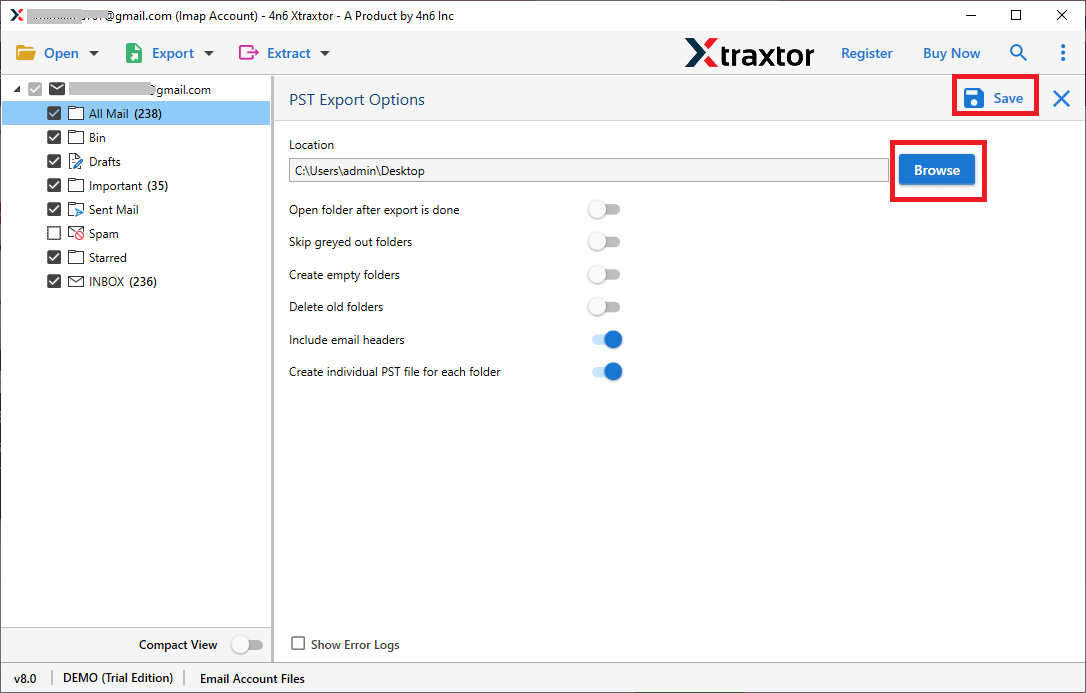
Done!! In a few minutes, you will be redirected to your chosen location, access all your exported emails there.
Roadrunner Email Backup Software – Features & Benefits
- Extract all email attachments and email addresses separately for secure storage.
- Batch mode allows you to backup multiple Roadrunner email accounts at once using a CSV file.
- Use advanced filters like date range, sender, recipient, and subject to backup selected emails only.
- Maintain original email folder hierarchy and structure during the backup process.
- Preserve all email properties such as To, From, Subject, Date, Time, and Attachments.
- Backup Roadrunner emails in multiple file formats for easy access and portability.
- Option to save the complete mailbox or selected folders as per the user’s requirement.
- Simple and user-friendly interface suitable for both technical and non-technical users.
- Compatible with all major Windows versions, such as Windows 11, 10, 8, 7, XP, and Windows Server editions.
Final Words
In the above section, we have explained a complete solution to backup Roadrunner emails to computer. We have searched a lot for a manual solution, but it’s not available. Therefore, using professional software is the safest and most reliable way to download Roadrunner emails. The recommended tool helps you save all emails along with attachments, folders, and email properties without any data loss.
