How to Backup PostBox Emails to Computer?

Summary: In this simplified guide, you will understand and learn the top ways to backup Postbox emails to computer. Due to the unavailability of direct methods, we will use all the possible methods to export complete emails from Postbox Mail client to your local system. So, if you have the same query, then do check out this blog for complete info.
Postbox is a desktop-based email application that allows users to manage multiple email accounts in one place. It is popular for its clean interface, advanced search, and support for IMAP and POP accounts. Like other desktop email clients, PostBox stores emails locally on your system, which makes backups essential.
Why Backup PostBox Emails to Computer?
Saving or backing up PostBox emails to your computer is a smart step for both personal and business users.
Below are the key reasons explained in the same pattern, but with fresh and PostBox-specific content.
- Improved Application Performance: When PostBox mailboxes grow large, the application may become slow. By backing up PostBox emails to your computer or external storage, you can reduce the load on the local system.
- Protection Against Cyber Threats: Emails often contain sensitive information. Storing an extra copy of PostBox emails on your computer keeps your data safe from hacking attempts, malware attacks, or unauthorized access.
- Easy Data Migration: A PostBox email backup makes it simple to move emails to another computer, email client, or platform whenever needed. You won’t have to worry about losing important messages during system upgrades or migrations.
- Prevention of Accidental Data Loss: Emails can be deleted by mistake or lost due to software errors. By saving PostBox emails to your computer, you always have a backup copy that can be restored anytime without stress.
- Smooth Business Continuity: If PostBox crashes or your system fails, business communication can come to a halt. Having a local backup of PostBox emails ensures uninterrupted access to critical emails and keeps business operations running without delays.
Now, let’s get back into the methods to learn how to export all your emails from Postbox mail client.
Methods to Backup PostBox Emails to Computer
There are two main ways to backup PostBox emails:
- Manual Method
- Automatic Method (Recommended)
Let’s understand both.
How to Export Emails from PostBox Mail Client?
The manual method involves locating the PostBox data folder and copying it to another location.
- Close the PostBox application.
- Open the PostBox profile folder on your computer.
- Locate mailbox files (usually MBOX format).
- Copy the entire folder.
- Paste it to an external drive or another safe location.
Limitations of the Manual Method:
- Not user-friendly
- Risk of human error
- No option to convert emails to other formats
- Difficult to restore data later
- Not suitable for large mailboxes
Because of these issues, most users prefer an automated solution.
How to Save All Emails from PostBox Mail to PC Automatically?
If you want to save all emails from PostBox Mail to your PC without manual effort, using an automatic solution is the best option. Xtraxtor Email Backup Wizard is one such tool that can easily let you to backup your complete PostBox Mail data in your desired file format. It connects directly to your PostBox account, loads all emails and folders, and saves them to your computer in just a few clicks. You can export emails in common file formats while keeping the original folder structure and attachments intact.
Click on the free download button and check its working process.

Steps to Backup PostBox Emails to PC
Step 1. Install and run the Xtraxtor software on your system.
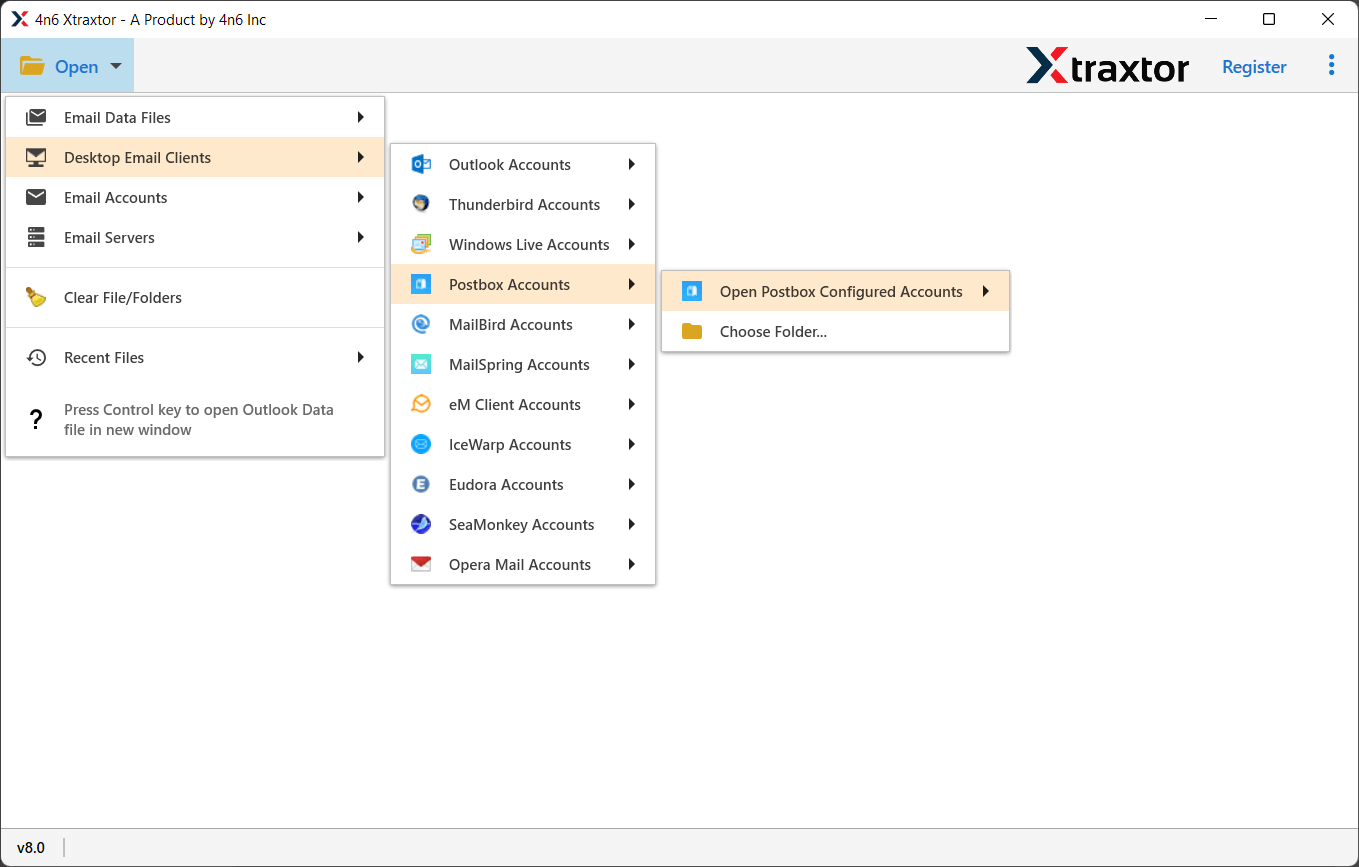
Step 2. Click open tab >> Desktop Email Clients >> PostBox Accounts.
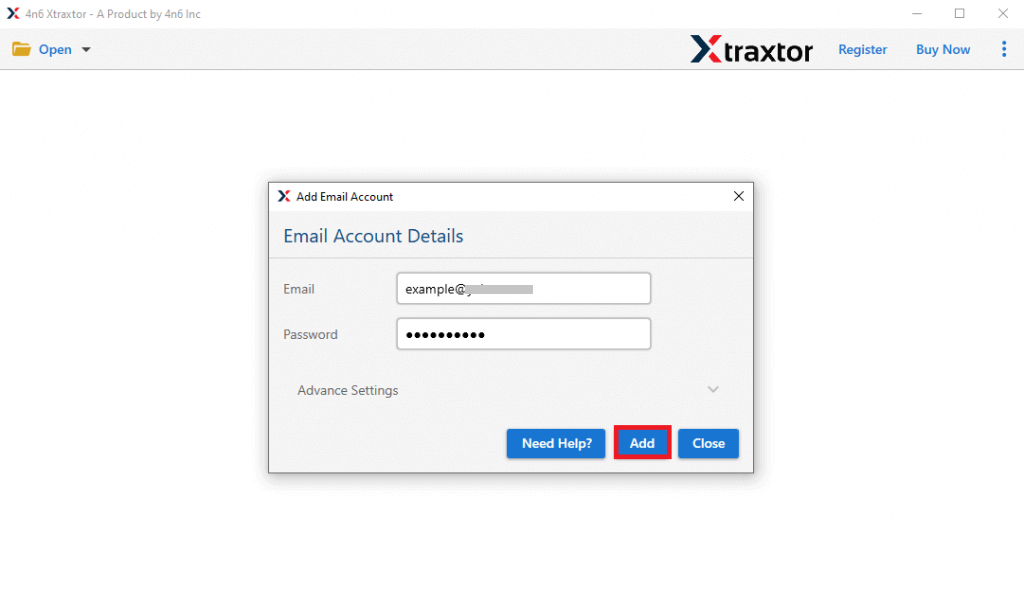
Step 3. Enter PostBox login details and verify the account.
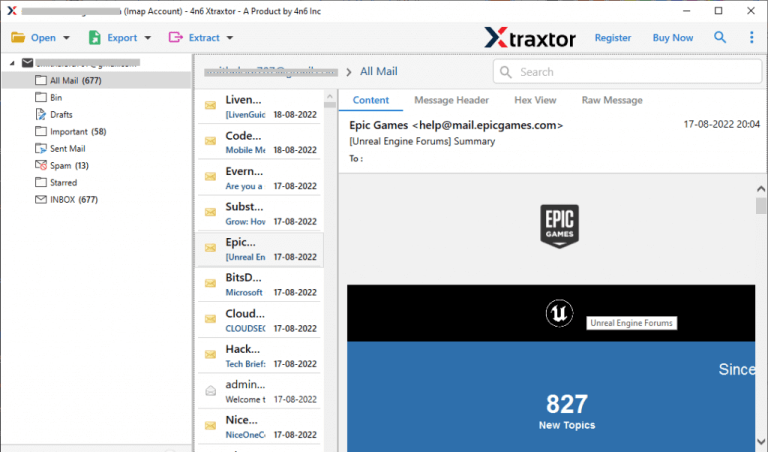
Step 4. Preview PostBox emails and folders within the tool.
Step 5. Choose the required export file format.
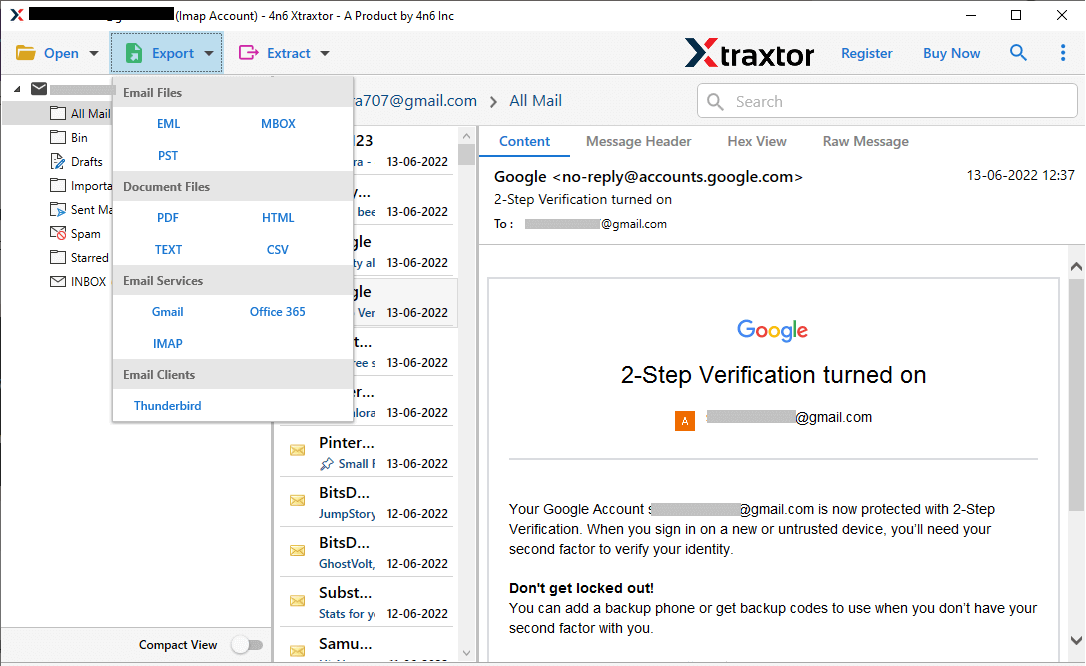
Step 6. Select the email folders you want to back up.
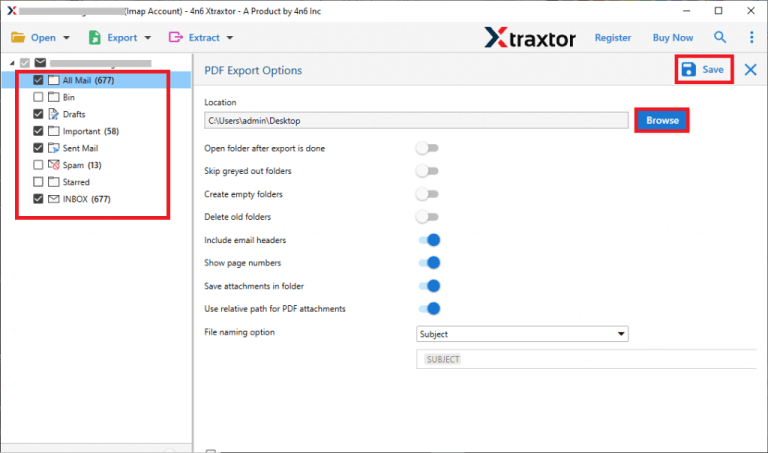
Step 7. Set a destination location & click save to start the backup.
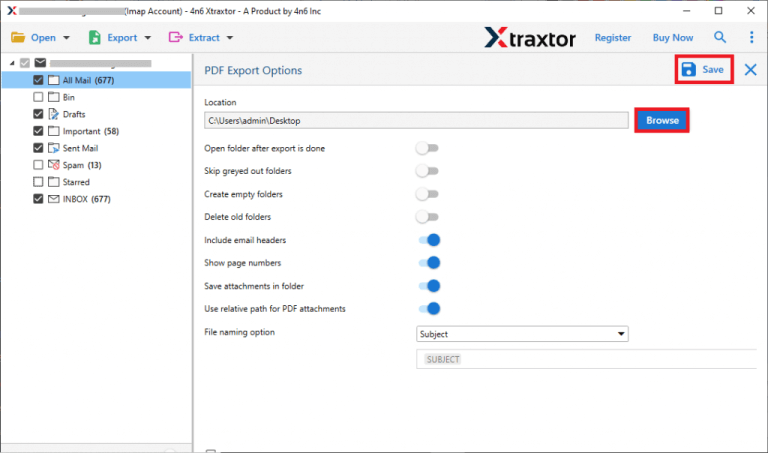
That’s it! Your PostBox emails will be safely saved to your computer in just a few simple steps.
Conclusion
In this conclusion, we talked about queries like how to backup Postbox emails to computer. We also discussed multiple solutions that are available to help users easily. You can select any method as per your convenience. However, the manual method is a little bit time-consuming and demands constant attention. So, we will recommend that you use an automated solution to export emails from Postbox to local system.
